
Scanning, Central Queensland
Scanning and scan to email for Central Queensland business
Get paperwork off desks and into the right inbox or folder. Multifunction printers and copiers set up to scan to email, shared folders and the cloud, and a workflow audit to show where scanning saves time.
- Scan to email
- Scan to folders
- Set up on site
Scan to email
How scanning works for you
From paper to the right place in seconds
Scan to email
Press one button and the scan lands in your inbox, or anyone's.
Scan to a shared folder
Straight into the right folder on your network, named and ready.
Scan to the cloud
To cloud storage on machines that support it, so files are there from anywhere.
Double sided, in one pass
Many models scan both sides at once, so a stack of paperwork takes moments.
Invoices into accounts
Supplier invoices scanned to the address your accounts software reads.
Set up on the day
We set it all up during the install and show your team how it works.
Machines that scan well
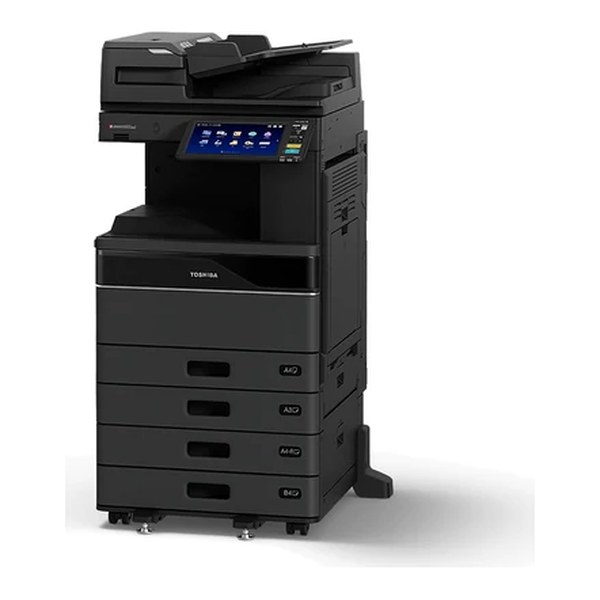
Multifunctions and copiers with fast feeders
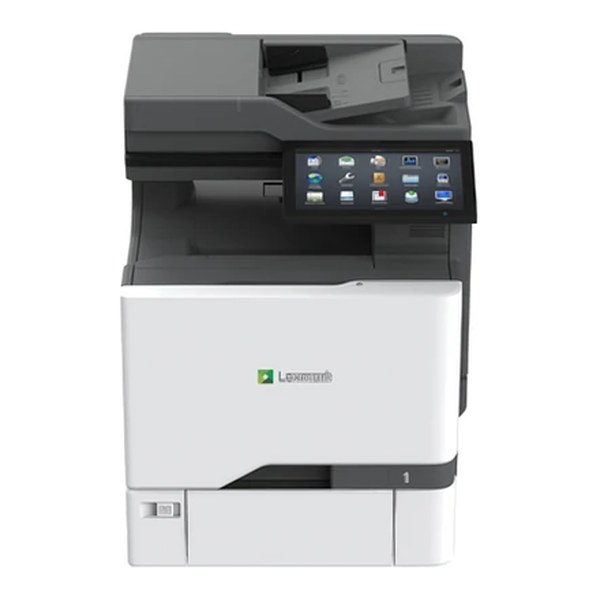
A4 colour multifunction
Big touchscreen, desk sized
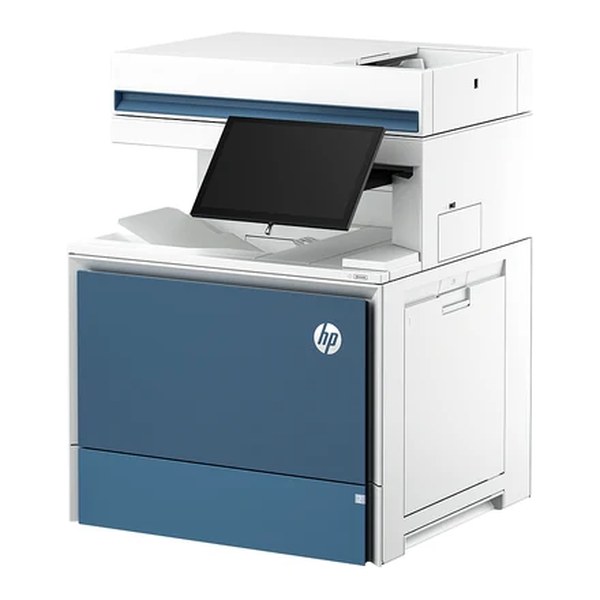
A4 colour multifunction
Built for a busy shared office
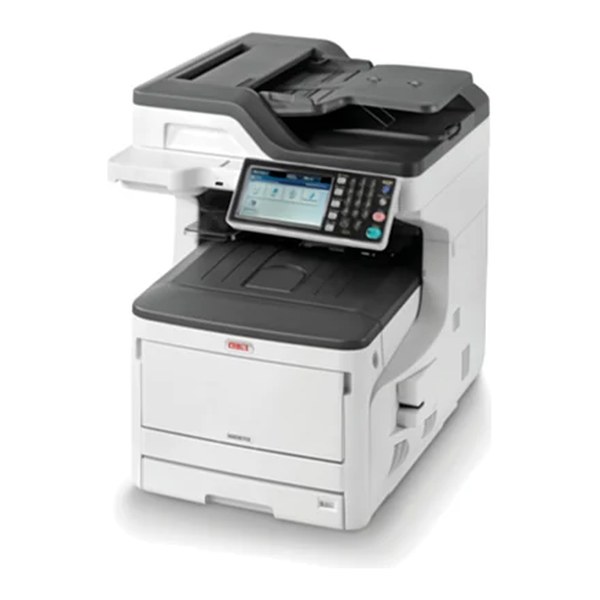
A3 colour multifunction
Print, copy and scan to A3
A3 colour copier
Big touchscreen, fast scanning
Want scanning set up properly?
A workflow audit looks at how paper moves through your business and where scanning would save time.
Across Central Queensland
Scanning in your area
Every area has its own page, with the towns and suburbs around it.
Scanning and scan to email in MackayScanning and scan to email in EmeraldScanning and scan to email in YeppoonScanning and scan to email in RockhamptonScanning and scan to email in GladstoneScanning and scan to email in Agnes Water and 1770Scanning and scan to email in BundabergScanning and scan to email in ChildersScanning and scan to email in Hervey BayScanning and scan to email in Maryborough
Can my copier scan to email?
Almost every modern multifunction and copier can. If yours is not set up, we can usually set it up for you.
Can you set up scanning to a shared folder?
Yes. We set up scanning to folders on your network as part of the install.
Do I need a separate scanner?
Usually not. A good multifunction with a fast document feeder handles most scanning. If you scan a lot, ask us about a dedicated document scanner.
Can you help us go paperless?
Yes, as far as the machines go. A workflow audit looks at how paper moves through your business and where scanning would save time.
Get a quote
Tell us what you scan. We will set it up properly.
A local reply with a clear price. No pressure, and no obligation.